mouselvrmom
Well-Known Member
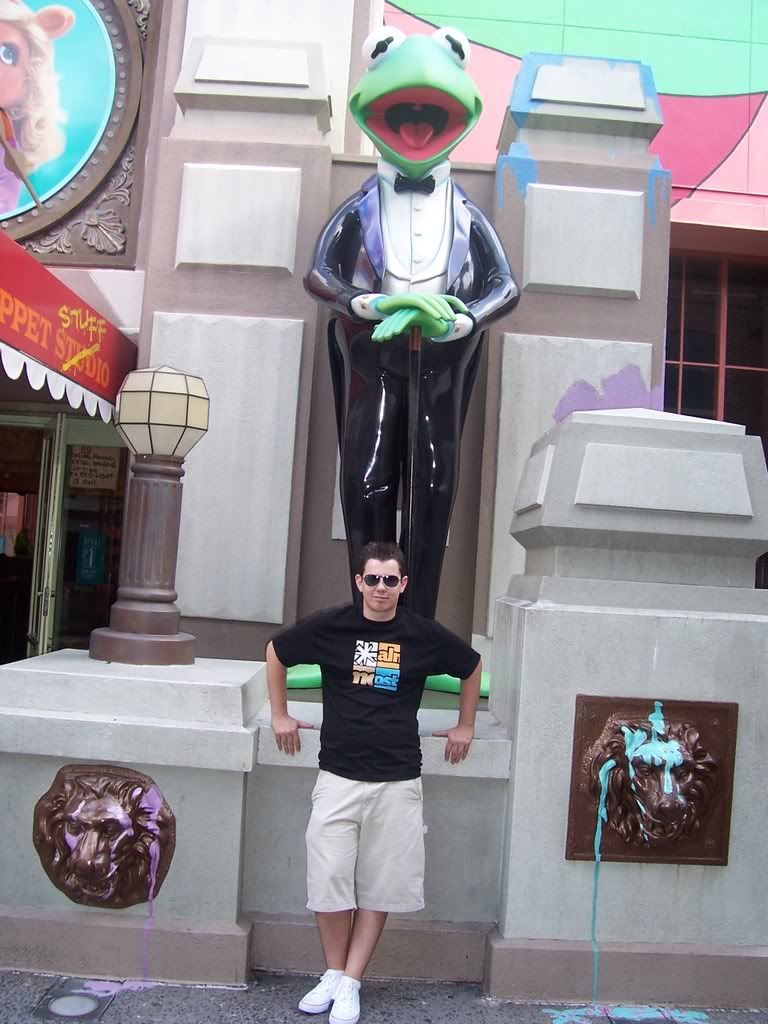
I love those pictures, sweetpea! You can really see the family resemblence! 
I wish we could see MS Mickey!
I wish we could see MS Mickey!



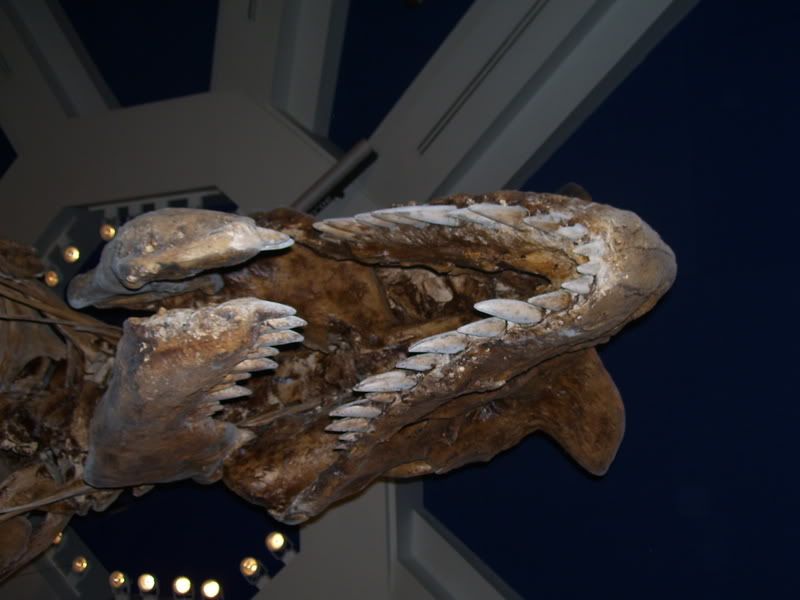


sorry... but how do I post pics?

Here are some I made a while back:sorry... but how do I post pics?
The following are instructions to post images to threads using photobucket, which is the easiest upload site in my own opinion.
NOTE: These intstuctions may only work with computers running on an XP operating system. Vista, OX10 or any other systems may require other directions
Step 1:
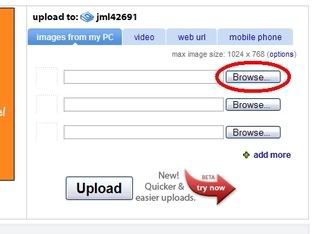
After creating a photobucket account, click the browse link on the main photobucket page.
Step 2:
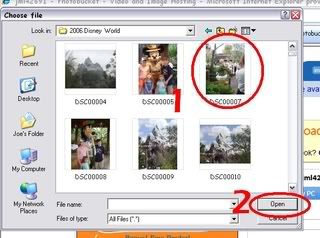
Choose the photo that you want to upload and then click open.
Step 3:
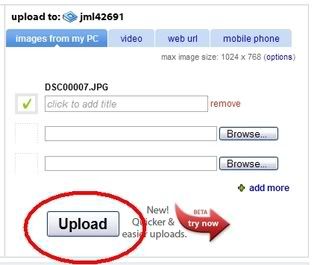
Click upload on the photobucket page.
Step 4:
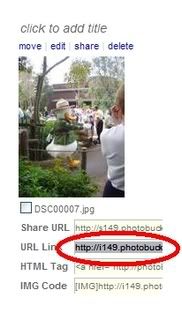
Scroll down on the photobcuket site and click the link uder your photo that reads, "URL Link". This will automatically copy the link.
Step 5:
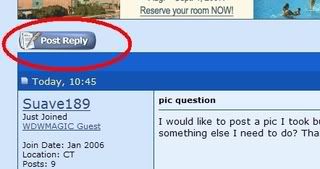
On WDW Magic, click the post reply icon to bring you to the reply box.
Step 6:
Click the icon that looks like mountains with a yellow sky.

Step 6a:
You may be promted by your comuter to allow scripted messages. This is normal and is not a problem. Simply click the box.

Step 6b:
Click "temprarily allow scripted windows"

Step 6c:
Repeat Step 6 again, and you should not have to repeat 6a,b, and c
Step 7:
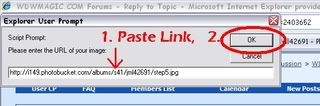
A box should pop up after clicking the mountains w/ yellow sky button. Paste the link that was automatically copied from the photobucket site into the field in this box and then click OK.
Step 8:
Click "submit reply" and your picture should be posted!!
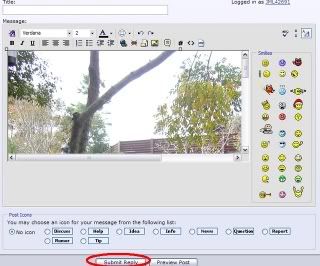
upload to a site like photobucket ... then copy/ paste the img code onto your post.

Register on WDWMAGIC. This sidebar will go away, and you'll see fewer ads.